Case Converter Guide: Title Case, Sentence Case & Every Text Case Explained
Table of Contents
You paste a paragraph into your document and it arrives screaming in ALL CAPS. Or a client sends a spreadsheet where every heading is lowercase and you need proper Title Case before the report goes out. Retyping is not the answer — and hunting through Word menus for the third time this week is not a system. A case converter fixes the whole problem in one click: paste your text, pick the case you want, copy the result.
This guide covers everything about text case conversion — what a text case converter does, every case type from UPPER CASE to camelCase, the official title case rules from APA, Chicago, and AP style, when to use each one, and the mistakes that make writing look amateur. By the end, you will never retype a heading again.
What Does a Case Converter Do?
A case converter is a simple utility that changes the capitalization pattern of your text without you retyping a single letter. You give it any block of text — a sentence, a paragraph, a list of product names — and it rewrites it in the case style you choose. An online case converter does this instantly in your browser: no install, no account, no waiting.
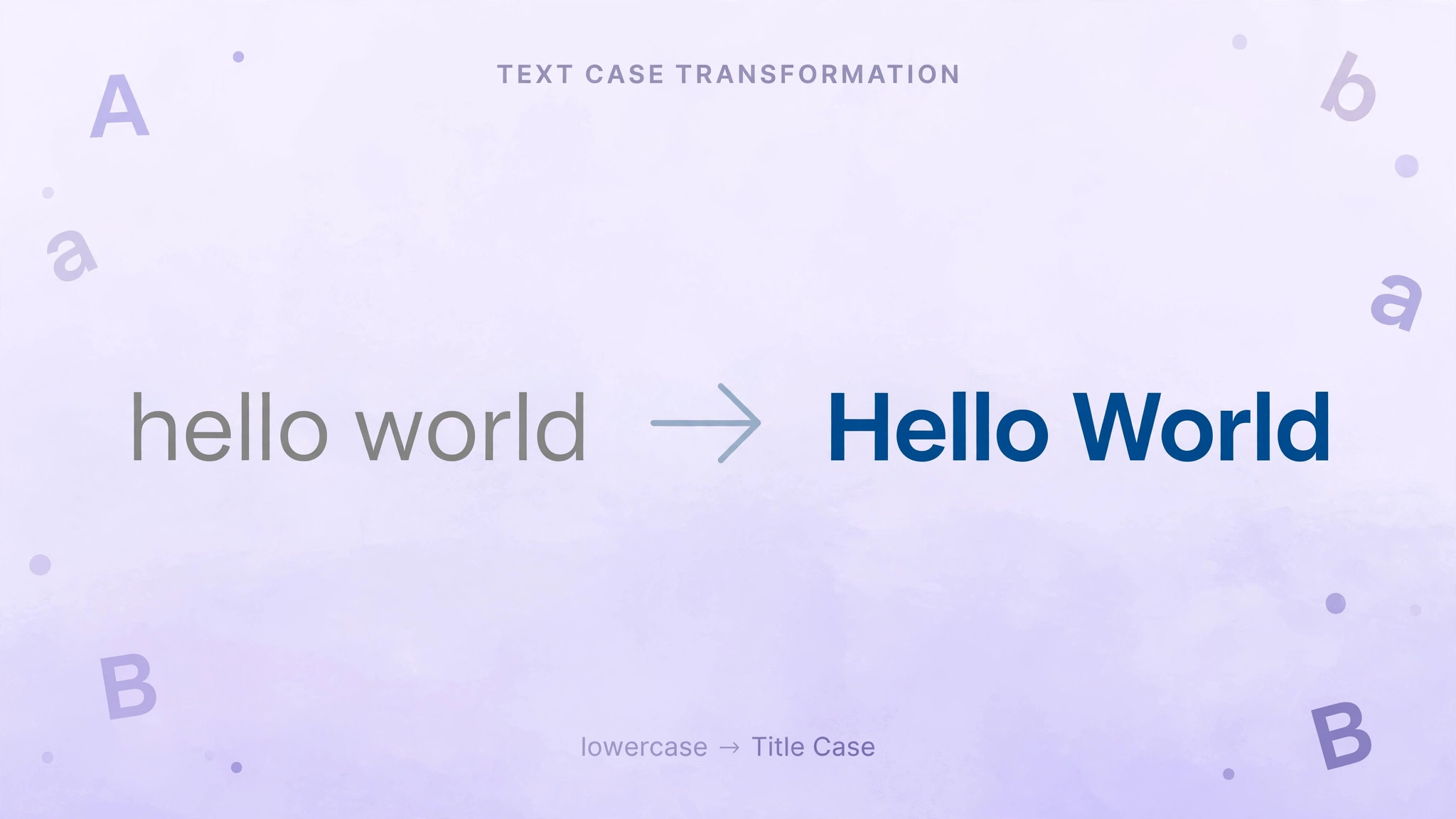
The most common conversions people reach for are the obvious pairs. An upper case converter turns everything into capital letters (hello world becomes HELLO WORLD), which is handy for warning labels, legal document headings, and anywhere you need maximum emphasis. A lower case converter does the reverse, useful for normalizing data, cleaning up messy imports, or preparing text for case-sensitive comparisons in code.
But the real workhorses are the smarter conversions. A title case converter capitalizes the first letter of each major word — the standard for headlines, book titles, and article headings. A sentence case converter capitalizes only the first letter of the sentence, which is the house style for most body text, email subjects, and UI labels. An upper to lower case converter (or its reverse, a lower case to upper case converter) handles bulk direction changes in one pass instead of one word at a time.
Then there are the specialist cases. A capital case converter — also called a proper case converter — capitalizes the first letter of every word including small words, which is what you want for names, addresses, and spreadsheet data cleanup. A camel case converter strips the spaces and capitalizes each word after the first (helloWorld), the naming convention of JavaScript variables everywhere. Each one solves a different real problem, and a good converter offers them all side by side.
The Case Types Every Writer Should Know
There are more case styles than most people realize, and each has a home where it is correct and places where it looks wrong. Here is the complete field guide.
UPPER CASE (all caps). Every letter capitalized. Use it sparingly: legal disclaimers, warning labels, abbreviations, and short headings. A full paragraph in all caps is harder to read — studies on readability consistently show that mixed-case text is scanned faster because word shapes stay distinctive. Never use it for body text, and never in an email subject line unless you want to sound like you are shouting.
lower case. Every letter lowercase. Rarely correct in finished writing, but essential behind the scenes: normalizing email addresses, usernames, database keys, and URLs. If you have ever had a login fail because of a stray capital letter, you have felt why lowercasing matters.
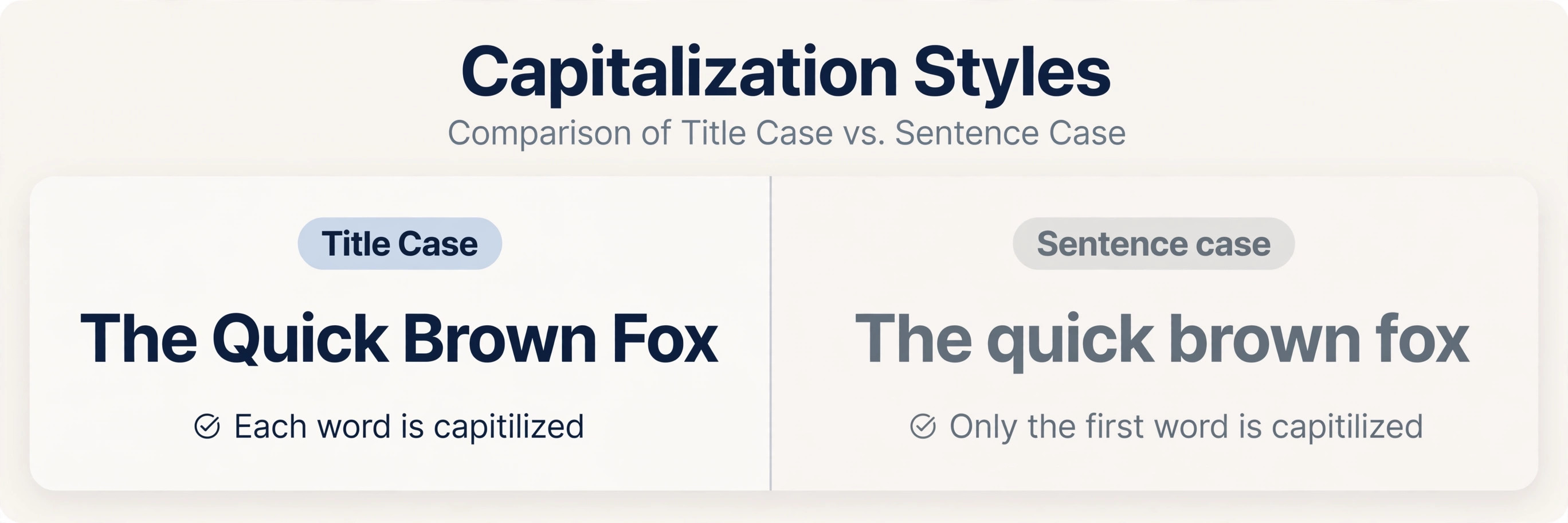
Title Case. The first letter of each major word capitalized: The Quick Brown Fox Jumps Over the Lazy Dog. This is the standard for headlines, article titles, book titles, and presentation slide headings in American English. The tricky part is which words count as "major" — articles, short prepositions, and conjunctions are usually left lowercase, but the exact rules depend on the style guide (more on that below). A title case converter that follows real style rules is worth its weight in gold here, because hand-applying the rules to a long heading is error-prone.
Sentence case. Only the first letter of the sentence capitalized: The quick brown fox jumps over the lazy dog. This is the default for body text, and it is also the preferred style for headings in many modern publications, UI design, and British English. Sentence case tends to look calmer and more contemporary than title case, which is why so many tech companies and design systems have adopted it for their interfaces.
Capitalized / Proper Case. Every word capitalized, including small words: The Quick Brown Fox Jumps Over The Lazy Dog. Common in spreadsheet data, mailing lists, and name fields. It is not the same as title case — proper case capitalizes everything mechanically, while title case follows style rules about which words stay lowercase.
camelCase. No spaces, first word lowercase, subsequent words capitalized: helloWorld. The standard for variables and function names in JavaScript, Java, and many other languages. A camel case converter is a daily tool for developers renaming identifiers or converting human-readable labels into code.
PascalCase. Like camelCase but with the first word capitalized too: HelloWorld. Used for class names, component names, and type names in most programming languages.
snake_case and kebab-case. Words joined by underscores or hyphens, all lowercase: hello_world, hello-world. Snake case dominates Python and database column names; kebab-case rules URLs, CSS classes, and HTML attributes. Converting a heading into a URL slug is a classic kebab-case job.
Title Case Rules: APA vs. Chicago (and AP)
Here is where title case gets interesting — and where most people get it wrong. "Capitalize each word" is not the rule. Every major style guide has its own definition of title case, and they disagree on the small words.
Chicago Manual of Style (Chicago). Capitalize the first and last words, all nouns, pronouns, verbs, adjectives, adverbs, and subordinating conjunctions. Lowercase articles (a, an, the), coordinating conjunctions (and, but, or, for, nor), and prepositions — regardless of length. So: The Cat in the Hat — "in" and "the" stay lowercase. Chicago is the standard for books, magazines, and general publishing.
APA Style (7th edition). Capitalize the first word, all words of four or more letters, and all major words. Lowercase articles, short prepositions (fewer than four letters), and short conjunctions. The four-letter rule is the key difference from Chicago: APA capitalizes Between, Through, and With (four-plus letters), where Chicago leaves short prepositions lowercase regardless. APA governs academic papers, journals, and student work.
AP Style (Associated Press). An AP title case converter follows the newsroom standard: capitalize all words of three or more letters, plus the first and last words. Articles and prepositions shorter than three letters stay lowercase. AP is the standard for journalism, press releases, and news headlines — so if you write for media, this is the one that matters.
The practical takeaway: before you finalize a title, know which style guide your audience expects. An academic paper in Chicago title case or a news headline in APA title case will look subtly wrong to an editor who knows the difference. When in doubt, match the publication you are writing for — and let a converter that knows the rules do the mechanical work.
When to Use Each Case
Choosing the right case is a context decision. Here is the cheat sheet.
Headlines and titles: Title Case (American media, books) or Sentence case (tech, British English, modern editorial). Pick one and stay consistent across the whole document — mixed heading styles are one of the fastest ways to look unprofessional.
Body text and emails: Sentence case, always. All caps in an email reads as shouting; random Title Case in body text reads as a mistake.
Legal documents and contracts: Defined terms in ALL CAPS or Title Case ("the Agreement", "the Company") — this is a convention, not a whim, and consistency is legally meaningful.
Code and technical writing: camelCase for variables, PascalCase for classes, snake_case for Python and databases, kebab-case for URLs and CSS. Getting these right is not cosmetic — in case-sensitive languages, userName and username are two different variables.
Data cleanup: Proper Case for names and addresses in spreadsheets, lower case for emails and usernames. A bulk case converter turns a thousand-row mess into clean data in seconds.
Social media and marketing: Title Case for ad headlines and video titles (it tests well for click-through), Sentence case for captions and descriptions. Never all caps — platforms and readers both penalize it.
Common Case Mistakes (and How to Fix Them)
Mistake 1: The all-caps paragraph. Pasted from a legal PDF or an old system, entire paragraphs arrive in caps. Fix: run them through a lower case converter, then apply sentence case. Two clicks, done.
Mistake 2: Inconsistent headings. "Introduction", "METHODOLOGY", "results and discussion" — three headings, three cases. Fix: convert all headings to your chosen style in one pass with a title case converter or sentence case converter.
Mistake 3: Title-casing small words wrong. "The Cat In The Hat" capitalizes in and the, which Chicago and AP both forbid. Fix: use a converter that follows real style rules, or learn the short-word lists for your guide.
Mistake 4: camelCase in prose. userName belongs in code, not in a user manual. Fix: convert to normal spacing and apply the appropriate case for the document.
Mistake 5: Retyping instead of converting. The meta-mistake. Any time you catch yourself retyping text just to change its capitalization, stop — paste it into an online case converter instead. It is faster, and it eliminates the typos that retyping introduces.
Try it free — no sign-up
Run the numbers yourself in seconds. Everything happens in your browser.
Open the Case Converter OnlineFrequently Asked Questions
What does a case converter do?
A case converter changes the capitalization pattern of your text without retyping. Paste in any text and it rewrites it in the style you choose — UPPER CASE, lower case, Title Case, Sentence case, camelCase, and more. It is the fastest way to fix headings pasted in the wrong case, normalize spreadsheet data, or format titles to a style guide.
What is the difference between title case and sentence case?
Title case capitalizes the first letter of each major word (The Quick Brown Fox), following style-guide rules about which small words stay lowercase. Sentence case capitalizes only the first letter of the sentence (The quick brown fox). Title case is standard for American headlines and book titles; sentence case is preferred for body text, UI labels, and much modern editorial writing.
How do I convert upper case to lower case online?
Paste your text into an online case converter, choose the lower case option, and copy the result — it takes seconds. This is the quickest fix for text pasted from PDFs or legacy systems that arrives in all caps. The same tool converts in the other direction too, turning lower case into upper case in one pass.
What is AP title case and how is it different from Chicago style?
AP title case (Associated Press, used in journalism) capitalizes all words of three or more letters, plus the first and last words. Chicago style capitalizes major words but always lowercases articles, coordinating conjunctions, and prepositions regardless of length. So a four-letter preposition like "with" is capitalized in AP and APA styles but lowercase in Chicago.
What is the difference between camelCase and PascalCase?
Both remove spaces and capitalize each word, but camelCase keeps the first word lowercase (helloWorld) while PascalCase capitalizes it too (HelloWorld). In most programming conventions, camelCase is for variables and functions, PascalCase is for classes and components. A camel case converter handles the transformation in either direction.