VAT Calculator: How to Add, Remove, and Reverse VAT Like a Pro
Table of Contents
"Just add 20%" sounds simple — until the invoice is wrong, the customer disputes it, and HMRC comes asking questions. A VAT calculator exists for exactly this moment: it turns fuzzy percentage math into exact numbers, whether you need to add VAT to a net price, remove VAT from a gross price, or run a reverse VAT calculation to find the tax hidden inside a total. This guide covers all three, plus the UK, EU, and US sales tax angles, so you never guess at tax math again.
And here is the single most useful fact in this entire guide: adding 20% and then removing 20% does not get you back to where you started. That asymmetry is where most VAT mistakes live — and once you see why, every formula below will feel obvious.
What a VAT Calculator Actually Does
Value Added Tax (VAT) is a consumption tax added at each stage of a supply chain, but ultimately paid by the end consumer. A VAT calculator answers three questions, and only three — but it answers them instantly and exactly:
- Add VAT: you have a net (excluding-VAT) price and need the gross (including-VAT) price your customer pays.
- Remove VAT: you have a gross price and need the net price underneath — essential when reclaiming VAT or quoting B2B.
- Reverse VAT: you have a gross price and need to know exactly how much of it is VAT — the figure that goes on the VAT return.
An online VAT calculator like the free one on Toolenix does all three in your browser with no sign-up, and lets you switch between any VAT rate — UK 20%, France 20%, Italy 22%, Ireland 23%, or a US-style sales tax percentage. The rest of this guide is the knowledge behind those three buttons: the formulas, the edge cases, and the traps.

VAT vs Sales Tax: The Difference That Trips Everyone Up
People use "VAT" and "sales tax" interchangeably. They shouldn't. Understanding the difference matters because it changes who collects the tax and how it appears on invoices — and a good sales tax calculator handles both.
VAT is charged at every stage of production and distribution. Each business in the chain charges VAT on its sales and reclaims the VAT it paid on its purchases, remitting only the difference to the tax authority. The consumer at the end bears the full amount. That is why B2B quotes in the UK and EU are usually shown excluding VAT — businesses reclaim it, so the net figure is what matters to them.
Sales tax (the US model) is charged only once, at the final retail sale. There is no reclaim chain: the retailer collects it and passes it on. Rates vary by state, county, and even city — which is why a single national rate doesn't exist and why US shoppers are used to seeing tax added at the checkout rather than in the shelf price.
For calculation purposes, though, the math is identical: a percentage added to (or extracted from) a price. That is why one tool can serve both — you just type a different rate. The Toolenix VAT calculator works equally well as a sales tax calculator: enter your combined state and local rate and it behaves exactly the same way.
How to Add VAT: The Formula (With a Worked Example)
The VAT calculator formula for adding tax is the easy direction:
Gross price = Net price × (1 + VAT rate)
With the UK's standard 20% rate, that means multiplying by 1.20. A £500 net invoice becomes £500 × 1.20 = £600 gross. The VAT amount itself is simply the difference: £600 − £500 = £100.
Let's do a second one with an EU rate so the pattern sticks. A French supplier quotes €2,400 net for equipment. France's standard VAT rate is 20%, so the gross is €2,400 × 1.20 = €2,880, of which €480 is VAT. An add VAT calculator just automates this one multiplication — the value is in doing it a hundred times a day without a single slip.
One tip from experience: always compute VAT on the per-line net total before rounding, then round once at the end. Rounding each line separately and adding them up can drift by a penny or two per invoice — invisible on one invoice, embarrassing across a thousand.
How to Remove VAT From a Gross Price
Here is where the famous mistake happens. Given a gross price of £600 including 20% VAT, the instinct is to subtract 20%: £600 × 0.80 = £480. Wrong. The correct net price is £500 — and the error comes from applying the percentage to the wrong base.
The 20% was added to the net price, not the gross one. To reverse it, you divide by 1.20, not multiply by 0.80:
Net price = Gross price ÷ (1 + VAT rate)
So £600 ÷ 1.20 = £500 net. A remove VAT calculator does this division for you. Memorise the divisors for the rates you use most: divide by 1.20 for 20% (UK, France), by 1.22 for 22% (Italy), by 1.23 for 23% (Ireland). One division, no thinking, correct every time.
Reverse VAT Calculator: Extracting the VAT Amount From Inside a Price
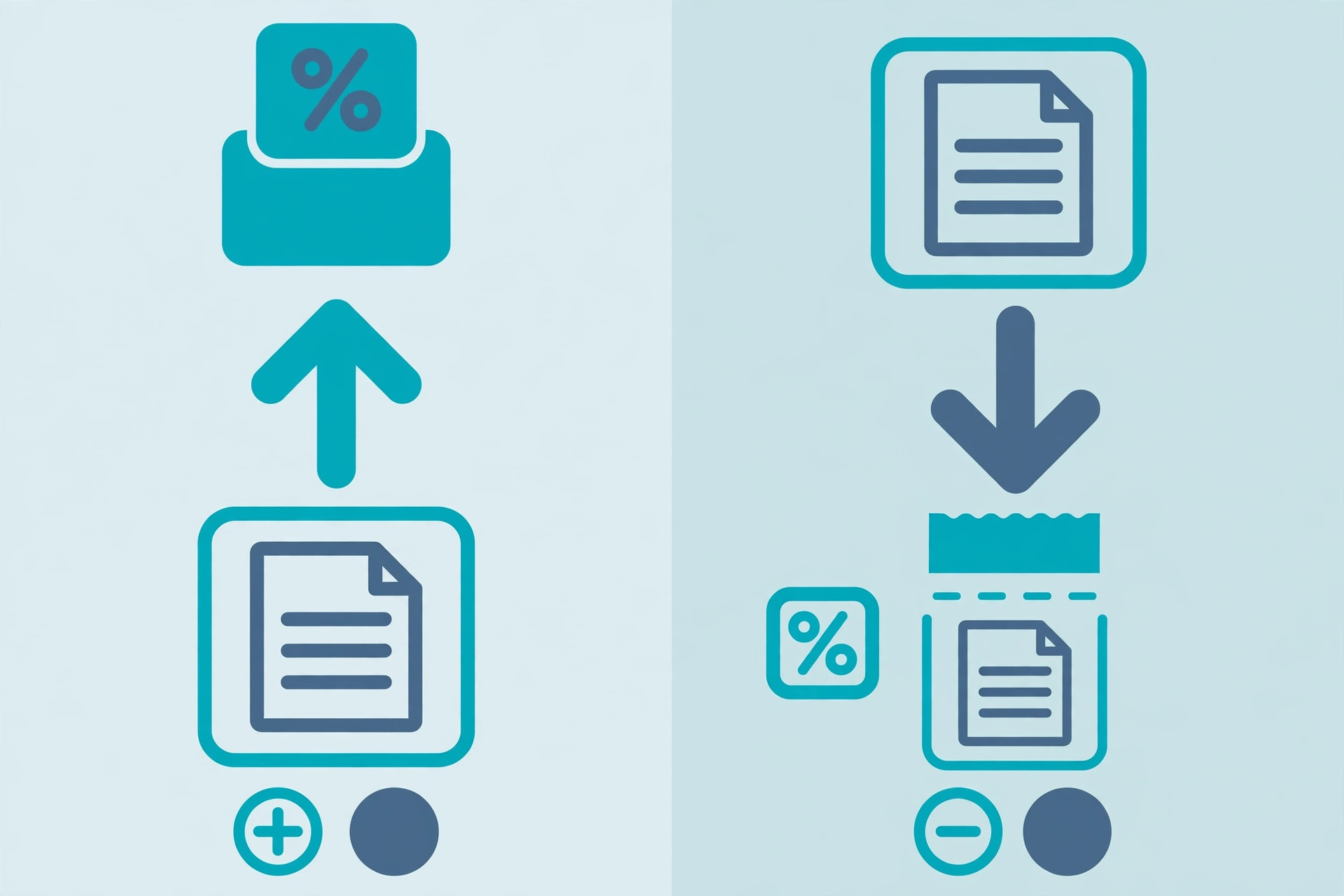
Sometimes you don't want the net price — you want the VAT slice itself. That is the job of a reverse VAT calculator: given the gross total, work out exactly how much of it is tax. This is the number that goes on VAT returns, and it is the figure auditors check.
The formula builds on the removal step above:
VAT amount = Gross price − (Gross price ÷ (1 + VAT rate))
Worked example: a hotel bill of €1,150 including 20% VAT. Net = €1,150 ÷ 1.20 = €958.33. VAT = €1,150 − €958.33 = €191.67. There is also a shortcut worth knowing: at 20%, the VAT inside a gross price is always exactly one-sixth of it (€1,150 ÷ 6 = €191.67). At 25% it is one-fifth; at 10% it is one-eleventh. Handy for mental checks, but for anything official, use the calculator.
Businesses filing quarterly returns do this reverse calculation across hundreds of purchase invoices. Doing it by hand is how transposition errors are born; running each gross figure through a reverse VAT calculator takes seconds and leaves an exact audit trail.
VAT Rates Around the World: UK, France, Italy, Ireland & More
VAT rates are national, and they move. The standard rates you will reach for most often:
- United Kingdom: 20% standard, with 5% reduced and 0% zero rates for specific goods. A VAT calculator UK search almost always means the 20% standard rate.
- France: 20% standard (plus 10%, 5.5%, and 2.1% reduced rates). A VAT calculator France query is typically about the 20% taux normal.
- Italy: 22% standard (with 10%, 5%, and 4% reduced rates).
- Ireland: 23% standard — one of the highest in the EU — with 13.5% and 9% reduced rates.
- Germany: 19% standard. Spain: 21%. Netherlands: 21%.
Two things to watch. First, reduced rates apply to specific categories (food, books, hotel stays, children's clothes) that differ by country — never assume the standard rate applies to everything on an invoice. Second, rates change: always confirm the current rate on the official source (the EU's VAT pages or HMRC's VAT rates guidance, linked below) before filing anything. A calculator is only as right as the rate you type into it.
The UK Flat Rate Scheme: A Special Case
The UK's Flat Rate Scheme deserves its own section because it breaks the normal rules. Instead of reclaiming VAT on purchases and paying 20% on sales, eligible small businesses pay HMRC a single flat rate VAT calculator-friendly percentage of their gross turnover — typically between 4% and 14.5% depending on the trade sector, with a 1% discount in the first year of VAT registration.
The trade-off: you charge customers the full 20% but hand HMRC the smaller flat percentage, keeping the difference as a margin — while giving up the right to reclaim VAT on most purchases. Whether that wins or loses depends on your sector's flat rate versus your actual VAT-bearing costs. Run both calculations side by side before choosing; the scheme is simple, but "simple" and "cheaper" are not the same thing.
VAT on Imports: What Changes at the Border
An import VAT calculator question comes up constantly for businesses buying goods from abroad: VAT is generally due on the customs value plus any import duty, at the rate of the importing country. Import £10,000 of goods into the UK with 5% duty, and VAT applies to £10,500 — so £10,500 × 20% = £2,100 of import VAT.
The good news for VAT-registered businesses: import VAT is usually reclaimable on the next return (in the UK, often accounted for via postponed VAT accounting rather than paid upfront). The trap is cash flow for non-registered importers, who absorb the VAT as a real cost. If you import regularly, model the landed cost — goods + duty + VAT + freight — before you price, not after.
7 Mistakes That Break VAT Math
1. Subtracting the rate instead of dividing. £600 minus 20% is £480, not £500. Divide by 1.20.
2. Applying VAT to the wrong base. Discounts come off the net price before VAT is added, not after.
3. Rounding line by line. Round once, at the invoice total.
4. Using the wrong country's rate. France 20%, Italy 22%, Ireland 23% — close enough to confuse, different enough to matter.
5. Forgetting reduced rates. Not everything is standard-rated; check the category.
6. Mixing VAT-inclusive and VAT-exclusive figures on the same quote. Label every number.
7. Doing it in your head for official figures. Returns, invoices, and customs declarations deserve a calculator, not mental arithmetic.
The Toolenix VAT calculator is free, runs entirely in your browser with no sign-up, and handles add, remove, and reverse calculations at any rate — try it below and check your next invoice in seconds.
Try it free — no sign-up
Run the numbers yourself in seconds. Everything happens in your browser.
Open the VAT & Sales Tax CalculatorFrequently Asked Questions
What is a VAT calculator?
A VAT calculator is a free online tool that computes Value Added Tax on prices. It adds VAT to a net (excluding-tax) price to get the gross total, removes VAT from a gross price to reveal the net amount, or reverse-calculates the exact VAT hidden inside a total — at any rate, from the UK's 20% to France's 20%, Italy's 22%, or Ireland's 23%.
How do I add VAT on a calculator?
Multiply the net price by 1 plus the VAT rate. At the UK's 20% standard rate: gross = net × 1.20. So a £500 net invoice becomes £500 × 1.20 = £600 gross, of which £100 is VAT. An add VAT calculator does this single multiplication instantly.
How do I remove VAT on a calculator?
Divide the gross price by 1 plus the VAT rate — never subtract the percentage. At 20%: net = gross ÷ 1.20, so £600 ÷ 1.20 = £500 net. Subtracting 20% (£600 × 0.80 = £480) is the classic mistake because the 20% was added to the net price, not the gross one.
How much VAT will I pay on a £500 purchase at 20%?
£100. The gross total is £500 × 1.20 = £600, and the VAT portion is £600 − £500 = £100. For any purchase: VAT amount = gross − (gross ÷ 1.20).
What's the difference between VAT and sales tax?
VAT is charged at every stage of the supply chain, with each business reclaiming the VAT it paid and remitting only the difference — the end consumer bears the full amount. US sales tax is charged only once, at the final retail sale, with rates varying by state and locality. The calculation math is identical; only the collection model differs.
What VAT rate do I use for France, Italy, or Ireland?
France: 20% standard. Italy: 22% standard. Ireland: 23% standard. Each country also has reduced rates for specific goods (food, books, hospitality), so confirm the category rate on the official EU or national tax pages before filing. Rates change — always verify the current figure.