Text Diff Explained: Compare Two Texts & Find Every Difference
Table of Contents
Someone sends you "final_v2" of a document. You already reviewed "final". What changed? Reading both versions top to bottom is the slow way — and on a 40-page contract, it's how things get missed. The fast way is a text diff: paste both versions into a diff checker and every addition, deletion, and modification lights up instantly, down to the changed word.
Diffs are one of those quiet superpowers of computing. Programmers live inside them — every code review is a diff — but writers, lawyers, translators, teachers, and SEO editors use them just as heavily. This guide explains what a text diff actually is, how the algorithms behind it work, how to read diff output like a pro, and how to compare two texts in seconds with a free online text diff tool.
What "Diff" Means in Text
In text, "diff" is short for "difference" — and it means two related things. First, it's the set of changes between two versions of a text: which lines were added, which were removed, which were modified. Second, it's the tool or algorithm that computes those changes and displays them.
The term comes from the Unix diff utility, written in the early 1970s, which compared two files line by line and printed the differences. That command-line tool became so fundamental that its name became the generic word for the entire concept — the same way "xerox" became a verb for photocopying. When someone says "send me the diff," they mean "show me exactly what changed."
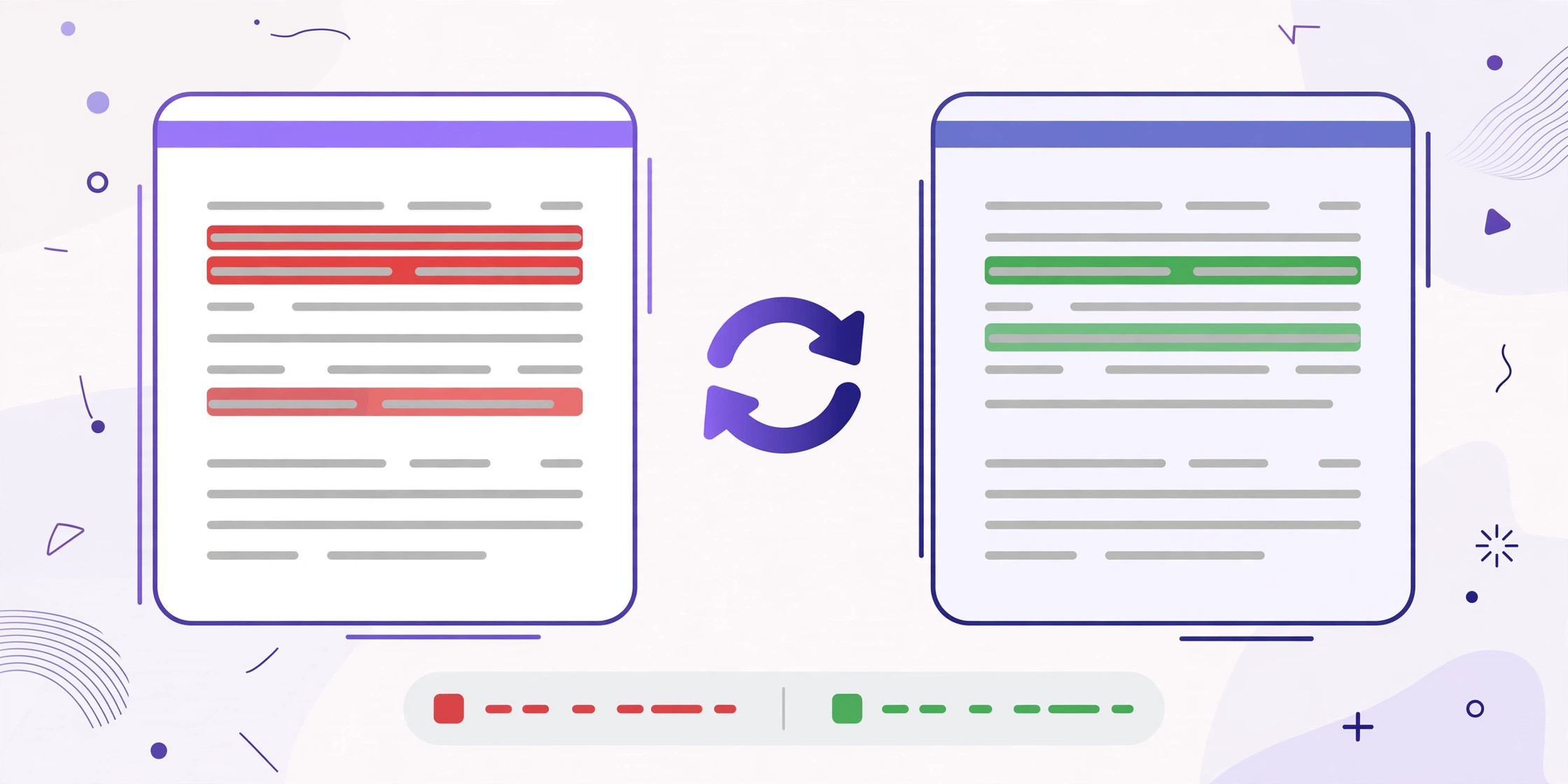
A modern text diff checker does the same job with a visual interface: two panels side by side (or one unified panel), with deletions highlighted in red and additions in green. Instead of describing the changes, it shows them — which is why diffs are the default way humans review edits to anything textual.
How Text Diff Algorithms Actually Work
A diff algorithm answers one question: what is the shortest sequence of edits that turns text A into text B? An "edit" is typically an insertion or a deletion (a replacement counts as a delete-plus-insert). The algorithm's job is to find the minimal edit script — and it turns out this is a classic computer science problem with an elegant solution.
The longest common subsequence (LCS). The foundational idea is to find the longest sequence of lines (or words) that appear in both texts in the same order. Everything in the LCS is "unchanged"; everything else is an addition or deletion. If two paragraphs share 90% of their lines, the LCS is those shared lines, and the diff is simply the 10% that differs. Computing the LCS directly is slow for large texts, so practical tools use smarter approaches.
Myers' algorithm — the one that runs the world. Nearly every diff tool you've used — Git, GitHub's pull request view, and most online text diff checkers — uses some variant of Eugene Myers' 1986 algorithm. Instead of computing the full LCS table, it searches for the shortest edit path through a grid where one axis is text A and the other is text B, moving right for deletions and down for insertions. It's dramatically faster in the common case where the two texts are mostly similar, which is exactly the case diff tools are built for: two versions of the same document.
Why minimal matters. There are many valid ways to describe the difference between two texts, but humans want the shortest explanation. If you changed one word in a sentence, a good diff highlights that one word — not the whole paragraph. The minimal-edit guarantee is what makes diff output readable instead of noisy, and it's the reason the algorithm choice matters more than most people realize.
Line Diff vs Word Diff vs Character Diff
Diff tools differ in their granularity — the smallest unit they compare. Choosing the right one changes the output from confusing to crystal clear.
Line diff treats each line as atomic. It's the classic Unix behavior and the default in Git: if a single word changes in a long line, the entire line is flagged as removed-and-re-added. This is perfect for code, where lines are the natural unit, but it can be bewildering for prose — a one-word edit in a paragraph makes the whole paragraph light up red and green.
Word diff goes one level deeper, highlighting only the words that changed within each line. For documents, articles, and contracts, this is almost always what you want: you see precisely that "March" became "April" instead of staring at two nearly identical paragraphs. Most online text diff tools default to word-level highlighting for this reason.
Character diff highlights individual changed characters. It's the finest granularity — ideal for spotting typos ("recieve" vs "receive"), changed numbers in data, or single-character edits in identifiers. On large texts it can look noisy, but when the difference you're hunting is tiny, nothing beats it.
The practical rule: use line diff for code and structured data, word diff for prose and documents, and character diff when you're hunting a needle — a typo, a changed digit, a renamed variable. A good text diff tool lets you switch between these views without re-pasting anything.
How to Read Diff Output
Diff output has its own visual language, and once you learn it, you can scan changes in seconds. Here's the Rosetta Stone:
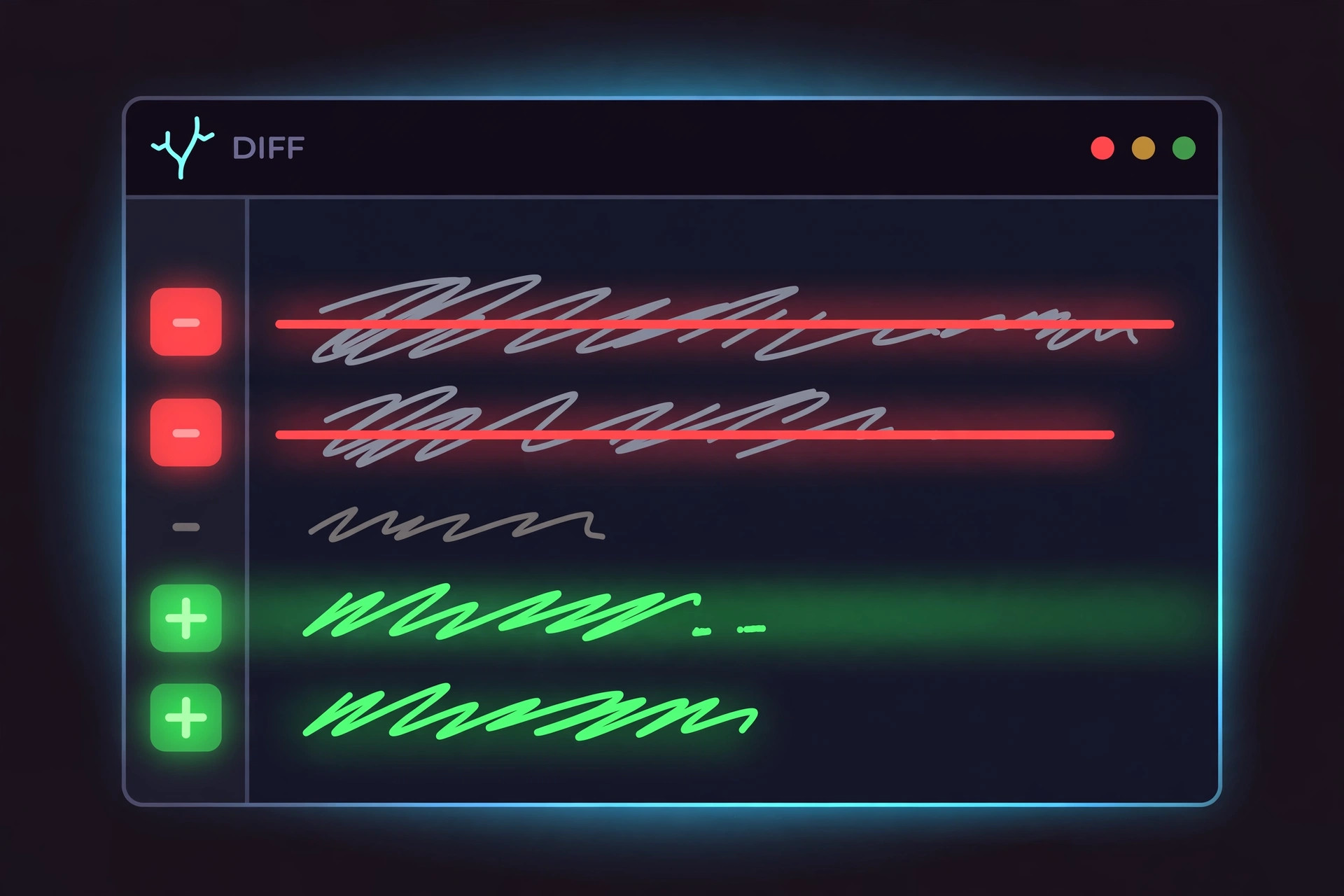
Side-by-side view. The original text sits on the left, the new text on the right, with changed sections aligned horizontally. Removed content is highlighted red (often with a − marker), added content green (with +). Unchanged lines sit between the changes as context. This is the most intuitive layout and the default in most text diff checkers.
Unified view. Both versions are merged into a single column — the format Git uses. Lines from the original are prefixed with −, lines from the new version with +, and unchanged context lines start with a space. A header like @@ -12,7 +12,9 @@ tells you where in the file you are: starting at line 12, 7 lines from the old version, 9 from the new. Developers read unified diffs all day; everyone else usually prefers side-by-side.
Reading strategy. When you compare text diff results, don't read top to bottom — scan the colors first. Red clusters are deletions, green clusters are additions, and red-green pairs sitting together are modifications. The unchanged context around them tells you where in the document the change happened. With practice, a 500-line diff with 12 changed lines takes about ten seconds to fully absorb: your eyes jump color to color, and the story of the edit assembles itself.
Where Text Diffs Are Used Every Day
Diffs show up in far more places than the programmer's terminal. If you work with words in any capacity, you've probably needed one this month:
Code review. The original and still dominant use. Every pull request on GitHub is a diff; reviewers never read the whole file, they read the diff to see what changed, why, and whether it's correct. Merge conflicts are what happen when two diffs touch the same lines.
Document comparison. Editors compare manuscript revisions, students compare essay drafts, and content teams compare page versions before publishing. A text difference checker turns "did anything change since Tuesday?" from a 20-minute re-read into a 20-second glance.
Legal redlines. Lawyers have compared contract versions for centuries — the classic "redline" with struck-through deletions and underlined additions is just a diff rendered for paper. Modern redlining software is a diff algorithm with legal formatting on top.
Plagiarism and duplicate detection. Diffing a suspect passage against a source text reveals exactly which phrases match and which were paraphrased. It's not a full plagiarism detector, but as a verification step after a similarity flag, a word-level diff is brutally revealing.
Translation and localization. When source strings change, translators diff the old and new versions to find exactly which sentences need re-translation — translating only the diff instead of the whole file saves enormous effort.
SEO and content audits. Diffing a page's HTML or text before and after an update shows precisely what changed — useful when rankings shift and you need to know whether someone edited the title, removed a section, or altered the copy.
How to Diff Two Text Files in 30 Seconds
You don't need to install anything. Here's the entire workflow with a free text diff online — no downloads, no setup:
1. Open the diff checker. Go to the Text Difference Checker — it loads instantly, no account needed.
2. Paste the original into the left panel. Open your first file in any text editor, select all, copy, paste. This is your "before."
3. Paste the modified version into the right panel. Same process with the second file — this is your "after."
4. Read the highlights. The comparison runs automatically as you type or paste. Deletions appear in red, additions in green, aligned line by line. Switch between line, word, or character granularity if the tool offers it.
5. Act on what you see. Copy the relevant changed sections, export the result, or just note what moved. Done — no files were uploaded anywhere, because the comparison ran entirely in your browser.
The whole thing takes less time than finding the "Compare Documents" menu in a word processor — and unlike desktop software, there's nothing to install, update, or license.
Online Text Diff Tools vs Desktop Software
Both approaches compute the same diffs — the Myers algorithm doesn't care where it runs — but they differ in convenience and privacy.
Desktop diff tools (like the built-in compare in advanced text editors, or dedicated merge tools) excel at comparing files directly from disk, handling very large files, and three-way merges. If you diff gigabyte-scale logs daily, desktop is the right call.
Online text diff checkers win on zero friction: no install, works on any device including phones and Chromebooks, and you can share a link to the tool rather than explaining setup. The traditional objection — "but my text gets uploaded to someone's server" — doesn't apply to client-side tools, where the JavaScript diff runs locally in your page and your text never leaves your machine.
For the overwhelmingly common case — two snippets, two drafts, two versions, a few hundred lines at most — an online diff checker is faster from thought to answer than launching desktop software. Keep the heavy tools for the heavy jobs; for everything else, the browser tab is already open.
Try it free — no sign-up
Run the numbers yourself in seconds. Everything happens in your browser.
Open the Text Difference CheckerFrequently Asked Questions
How do I diff two text files?
Paste both versions into the two panels of an online text diff checker — for example, the free Text Difference Checker on Toolenix — and the tool instantly highlights every added, removed, and changed line. Your text is compared locally in your browser, so nothing is uploaded anywhere. For files on your computer, open each file in a text editor, copy the contents, and paste them into the two sides.
How can I find the difference between two text files quickly?
The fastest way is a text diff tool: it runs a diff algorithm (usually Myers' algorithm) that finds the shortest set of changes between the two inputs and shows them side by side with red highlights for deletions and green for additions. Doing this by eye on anything longer than a paragraph is slow and error-prone — a diff checker does it in milliseconds, even for thousands of lines.
What does diff mean in text?
In text, “diff” is short for “difference”: it refers both to the set of changes between two versions of a text and to the tools and algorithms that compute those changes. The term comes from the Unix ‘diff’ utility created in the 1970s, which compared files line by line. Today, “text diff” usually means a visual comparison that highlights exactly what was added, removed, or modified.
Is there a free online text diff checker that keeps my text private?
Yes. Toolenix's Text Difference Checker is free, requires no sign-up, and runs 100% client-side — your text never leaves your browser, which makes it safe for contracts, source code, and other sensitive documents. Many online diff tools send your pasted text to a server; a client-side diff checker avoids that entirely.
What is the difference between a line diff and a word diff?
A line diff treats each line as the smallest unit: if one word changes in a paragraph-long line, the whole line is flagged as changed. A word diff goes one level deeper and highlights only the words that actually changed within each line, which is far more readable for prose. Character diff goes even finer, highlighting individual changed characters — useful for spotting typos, but noisy on large texts. Good diff checkers let you switch between these granularities.
Why do developers care so much about diffs?
Because diffs are the foundation of version control. Every Git commit, every pull request review, and every code merge is presented as a diff — reviewers read the diff, not the whole file, to understand what changed and why. The same idea applies outside code: editors compare manuscript revisions, lawyers compare contract redlines, and translators compare updated source strings, all using text diffs.