QR Codes: 12 Smart Uses Beyond Menus
Table of Contents
Restaurant menus made QR codes famous. Then menus went back to paper, and everyone assumed QR codes were a pandemic relic. They were wrong — QR code scans have kept growing every year since, because the little squares solve a genuinely annoying problem: getting information from the physical world into your phone without typing.
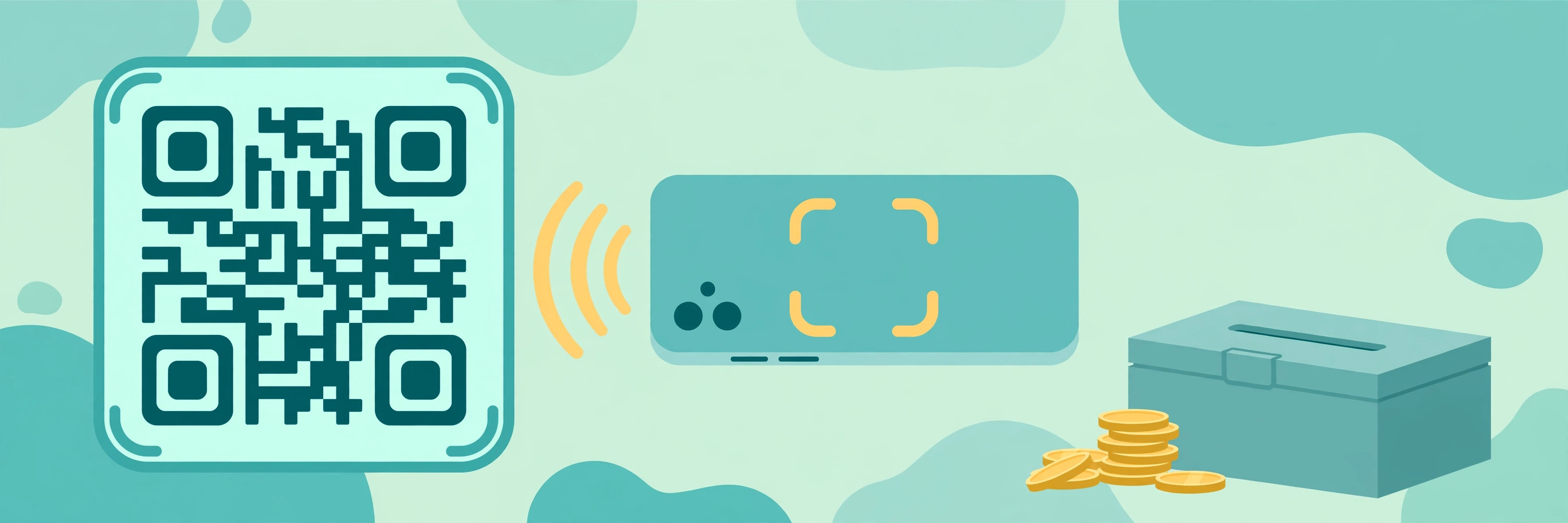
A QR code is just text encoded as a picture. Point your camera at it, and your phone reads the text — usually a link, but it can be wifi credentials, a contact card, plain text, or payment details. No app needed; every modern phone camera scans them natively.
Here are twelve uses that are actually worth your time, roughly ordered from "do this today" to "clever party tricks."
Why QR Codes Outlived the Menu Era
When restaurants ditched QR menus, the obituaries were premature. Scan volumes kept climbing because the codes stopped being a pandemic workaround and became infrastructure — the cheapest bridge between a physical object and a digital action. No app to install, no account to create, no typing. That bridge turns out to be useful in far more places than menus.
The 12 Uses, Ranked by Everyday Value
- 1. Share Your Wifi Without Dictating the Password — The single best QR code use. Generate a wifi QR code with your network name, password, and security type — guests scan it and join instantly. No more spelling out "capital K, lowercase x, the number 7, exclamation mark" while someone squints at their phone. Print it, frame it, stick it on the fridge or the guest room wall. Every Airbnb host should do this. It eliminates the most repeated conversation in modern hospitality.
- 2. A Digital Business Card (vCard) — A vCard QR code puts your name, phone, email, and company straight into someone's contacts with one scan. It beats paper cards in every way: nothing to lose, nothing to type, and you can update the details without reprinting. Put it on the back of your physical business card, your email signature, your conference badge, or your LinkedIn "about" section as an image. At events, it's the difference between a connection and a card that dies in someone's bag.
- 3. Event Tickets and Check-ins — Wedding RSVPs, party invites, workshop registrations — a QR code linking to the signup form goes on the invitation, and scanning it opens the form pre-loaded. For the organizer, check-in becomes scanning codes at the door instead of squinting at a printed list. Small events benefit most. A 40-person birthday with a QR RSVP gets responses in days instead of weeks of "did you see my text?"
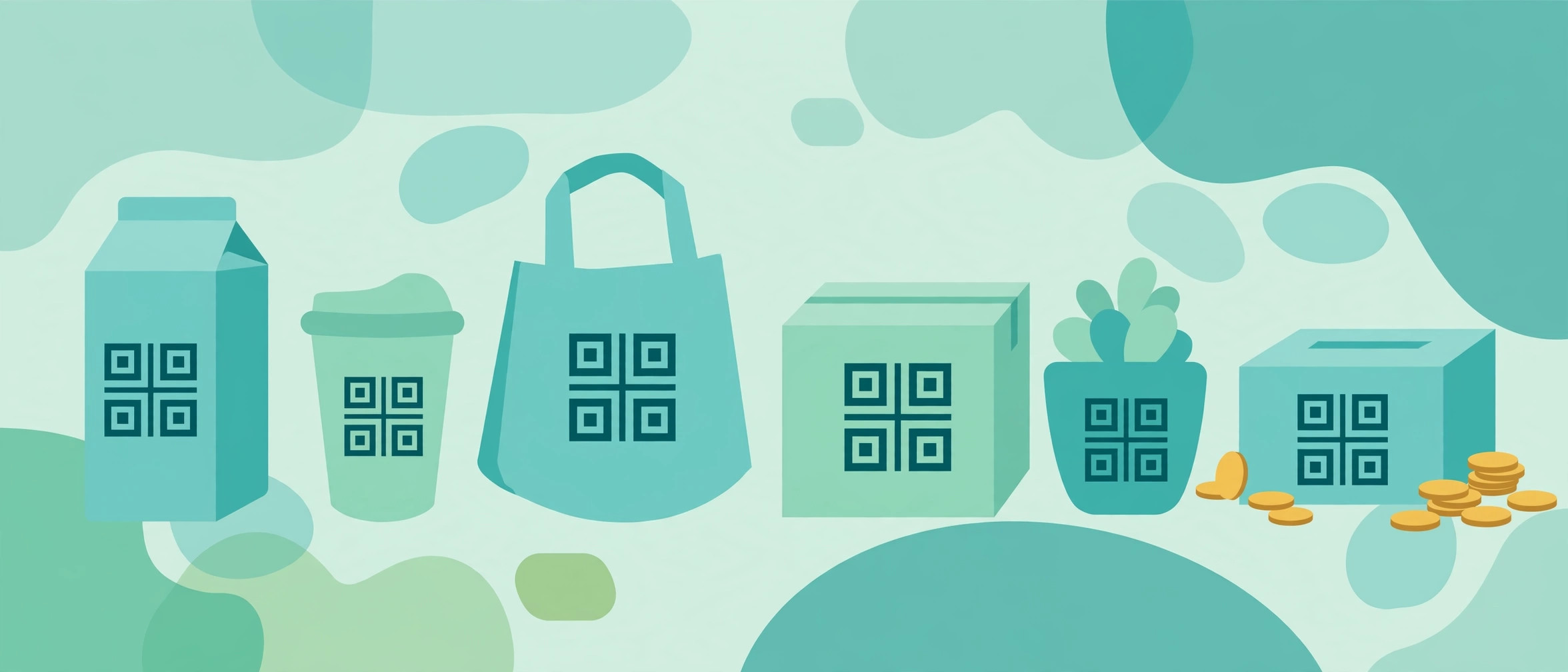
- 4. Product Instructions and Manuals — Nobody keeps paper manuals. A QR code on the product (or its packaging) linking to the manual, a setup video, or the support page means the help is there exactly when needed — usually two years later when something breaks. If you sell anything, make anything, or manage an office full of equipment: sticker a QR code on it linking to the manual. Future-you will be grateful.
- 5. Payment Requests — Payment apps (Venmo, Cash App, PayPal, and bank apps worldwide) let you generate a QR code for your account. Print it for a garage sale, a market stall, a charity collection, or splitting the restaurant bill — people scan and pay without exchanging usernames or phone numbers. For small sellers, this is the cheapest possible point-of-sale system: a printed square of paper.
- 6. Feedback and Reviews — "Scan to leave us a review" — a QR code linking straight to your Google review page, on the receipt, the table, or the packaging. Businesses that do this consistently get dramatically more reviews, because they remove every step between the happy customer and the review form. The key detail: link directly to the review-writing page, not your homepage. Every extra click loses half your reviewers.
- 7. Emergency and Medical Info — A QR code on a child's backpack, an elderly parent's wallet card, or a medical bracelet can link to emergency contacts, allergies, and medications. Paramedics increasingly check for these. Keep the information minimal and current — emergency contact, blood type, key allergies, current medications. And use a code that works without a login or app on the scanner's side. In an emergency, friction kills.
- 8. Caring for Plants, Pets, and Houses — House-sitters and pet-sitters get a novel's worth of instructions. A QR code on the fridge linking to a simple page — feeding schedule, vet number, wifi password, "the back door sticks, lift and push" — beats a three-page printout that nobody reads fully. Plant people: stick a QR code on the pot linking to that species' care guide. You'll stop killing the ferns.
- 9. Classroom and Presentation Handouts — Teachers: a QR code on the worksheet linking to the assignment portal, the reading, or the answer key (released later). Conference speakers: a QR code on the last slide linking to the slides, the demo, or the signup form. The audience photographs slides anyway — give them something worth photographing.
- 10. Social Media and Link-in-Bio — A QR code encoding your link-in-bio page goes on flyers, posters, merch, and packaging — anywhere a follower might discover you offline. Musicians put them on gig posters; artists on prints; food trucks on the truck itself. One code, one scan, all your links. It's the offline equivalent of putting your handle in your bio.
- 11. Two-Factor Backup and Password Sharing (Carefully) — Some password managers let you share a login via QR code for in-person handoffs. And printed backup codes for two-factor authentication are just QR codes' cousins. The rule: QR codes are convenient, not secure — anyone who photographs the code gets the secret. Use them for sharing, never for long-term storage of anything sensitive, and never post them publicly.
- 12. The Fun Ones: Treasure Hunts, Menus, and Easter Eggs — Scavenger hunts where each clue is a QR code. A wedding table code linking to a photo-sharing album. A code on your laptop sticker linking to your portfolio. A "scan me" on a dating profile linking to a video intro. QR codes are a creative medium if you stop thinking of them as menu replacements.
Two Mistakes That Ruin Good QR Codes
Printing without testing. The number-one QR failure is a code that doesn't scan — printed too small, in low-contrast colors (light gray on white is the classic), or on a curved glossy surface that reflects light. Scan every code with two different phones, at a normal distance, before you print a thousand of them.
Linking to the wrong destination. The number-two failure is a code that scans perfectly and opens something useless — your homepage instead of the review form, a dead link, a page that requires a login the scanner doesn't have. Every extra step between the scan and the payoff loses half your audience. Link to the exact action, not the front door.
Static vs Dynamic: The Choice That Matters
Not all QR codes are the same, and this is the one technical detail worth understanding:
- Static QR codes encode the destination directly in the pattern. The wifi password, the link, the text — it's all in the squares. They work forever, need no service, and can't be tracked or changed. For anything permanent (wifi, vCard, manuals), static is what you want.
- Dynamic QR codes encode a short redirect URL owned by a QR service, which forwards to your real destination. You can change the destination later and get scan statistics. The catch: they depend on the service staying alive, and the good features usually cost money.
The Custom QR Code Generator Online creates static codes — free, no signup, nothing stored on a server. That matters more than it sounds: a QR code on your product packaging needs to work in ten years, and a free static code will, while a dynamic code tied to a startup's servers might not. For permanent uses, static and self-contained wins.
One more practical note: test every code before you print a thousand of them. Scan it with two different phones, from a normal distance, in normal light. Print too small or with too little contrast (light gray on white is the classic failure), and the cleverest QR code in the world is just decoration.
Try This Now
Make one wifi QR code for your home network right now — it takes under a minute with the Custom QR Code Generator Online. Print it, stick it where guests can see it, and enjoy never dictating your password again. Then make a vCard one for yourself. Two codes, two minutes, and you'll use both weekly.
Try it free — no sign-up
Run the numbers yourself in seconds. Everything happens in your browser.
Open the Custom QR Code Generator OnlineFrequently Asked Questions
Can QR codes expire?
Static QR codes never expire — the data is in the pattern itself, so it works as long as the code is scannable. Dynamic QR codes can stop working if the redirect service shuts down or your subscription lapses. This is the strongest argument for static codes for anything permanent.
Are QR codes safe to scan?
Mostly, but be cautious with codes in public places — stickers placed over legitimate codes ("quishing") can lead to phishing sites. Preview the URL before opening it (your phone shows the link first — actually read it). Don't scan random codes that ask for passwords or payment details.
How small can I print a QR code and still have it scan?
Minimum practical size is about 2 × 2 cm (roughly 0.8 inches) for a simple code scanned at close range. More data in the code means denser squares, which need to be printed larger to stay scannable. When in doubt, print bigger — and always leave a quiet margin (white space) around the code at least as wide as one square module.
What's the difference between a QR code and a barcode?
A traditional barcode holds a short string of numbers (like a product ID) and needs a database to mean anything. A QR code holds up to a few thousand characters directly — full URLs, contact cards, paragraphs of text. Barcodes are pointers; QR codes are containers.
Can I customize a QR code with colors or a logo?
Yes, within limits. You can recolor the dark modules (keep high contrast — dark on light), round the corners, and place a small logo in the center. QR codes have built-in error correction (up to ~30% of the pattern can be obscured), which is what makes logos possible. But every customization reduces scannability slightly — test thoroughly, especially at small sizes.